










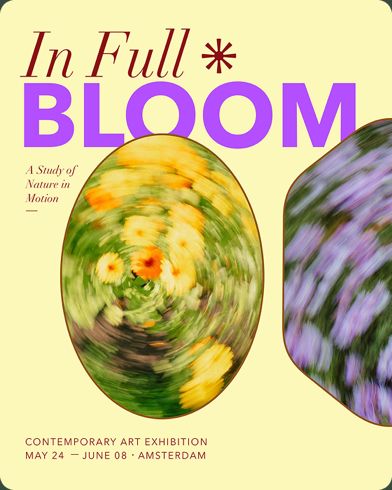






Swift Publisher for iPad and iPhone is released. Read more about Swift Publisher for iPad and iPhone release notes
Publishing, reimagined
Design for print and digital on iPad and iPhone.
Swift Publisher for iPhone and iPad is a graphic design and page layout app for creating brochures, flyers, business cards, and more—built entirely from scratch with a new engine designed for touch, Apple Pencil, and life on the go.
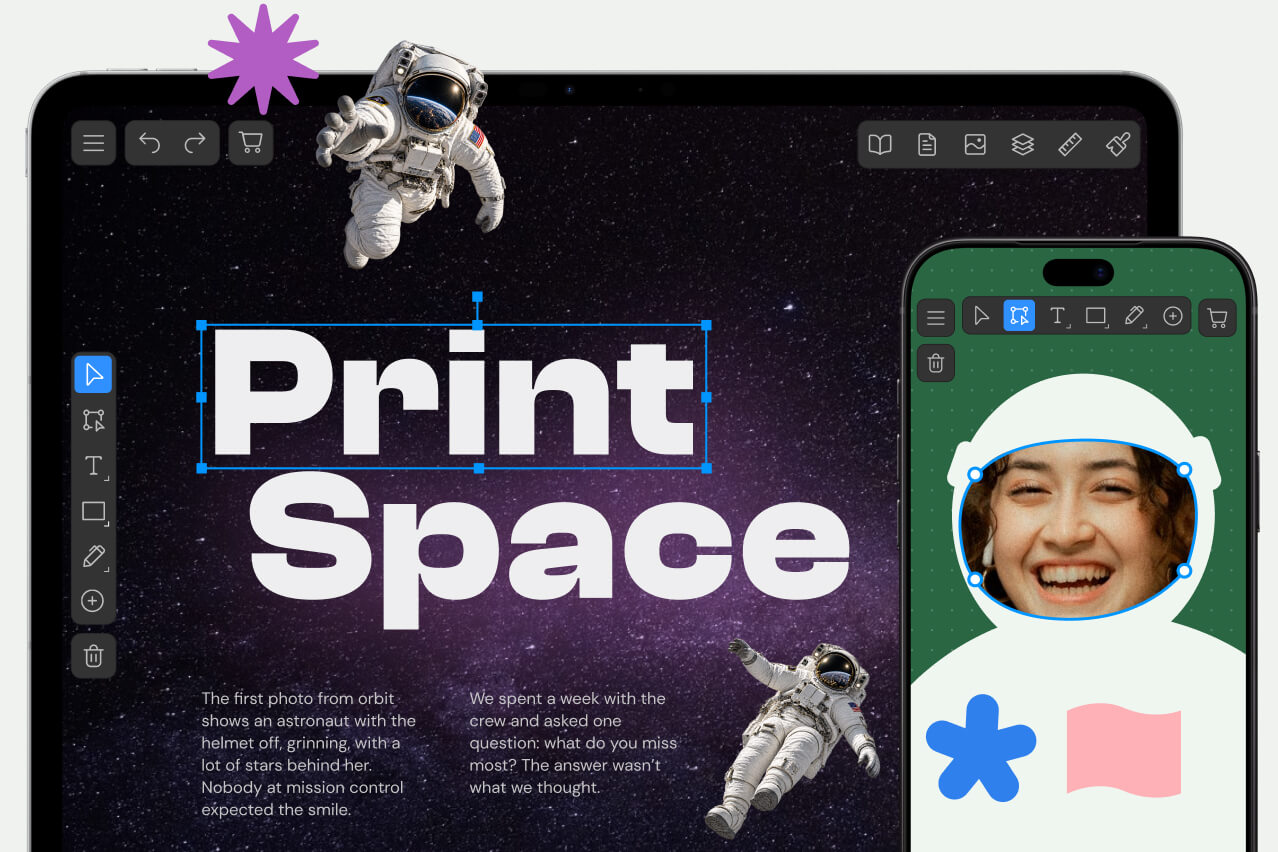



What you can design with the mobile app
The same range of everyday print projects Swift Publisher is known for, now designed to be created in a coffee shop line or on a couch, not just at a desk.
Desktop publishing built for touch
This isn’t the Mac app squeezed onto a smaller screen. Swift Publisher for iPhone and iPad is a new app with a new interface, designed around how people actually work on iPad and iPhone—a free-rotating canvas, full support for native Apple gestures, and precision tools built for Apple Pencil from day one.
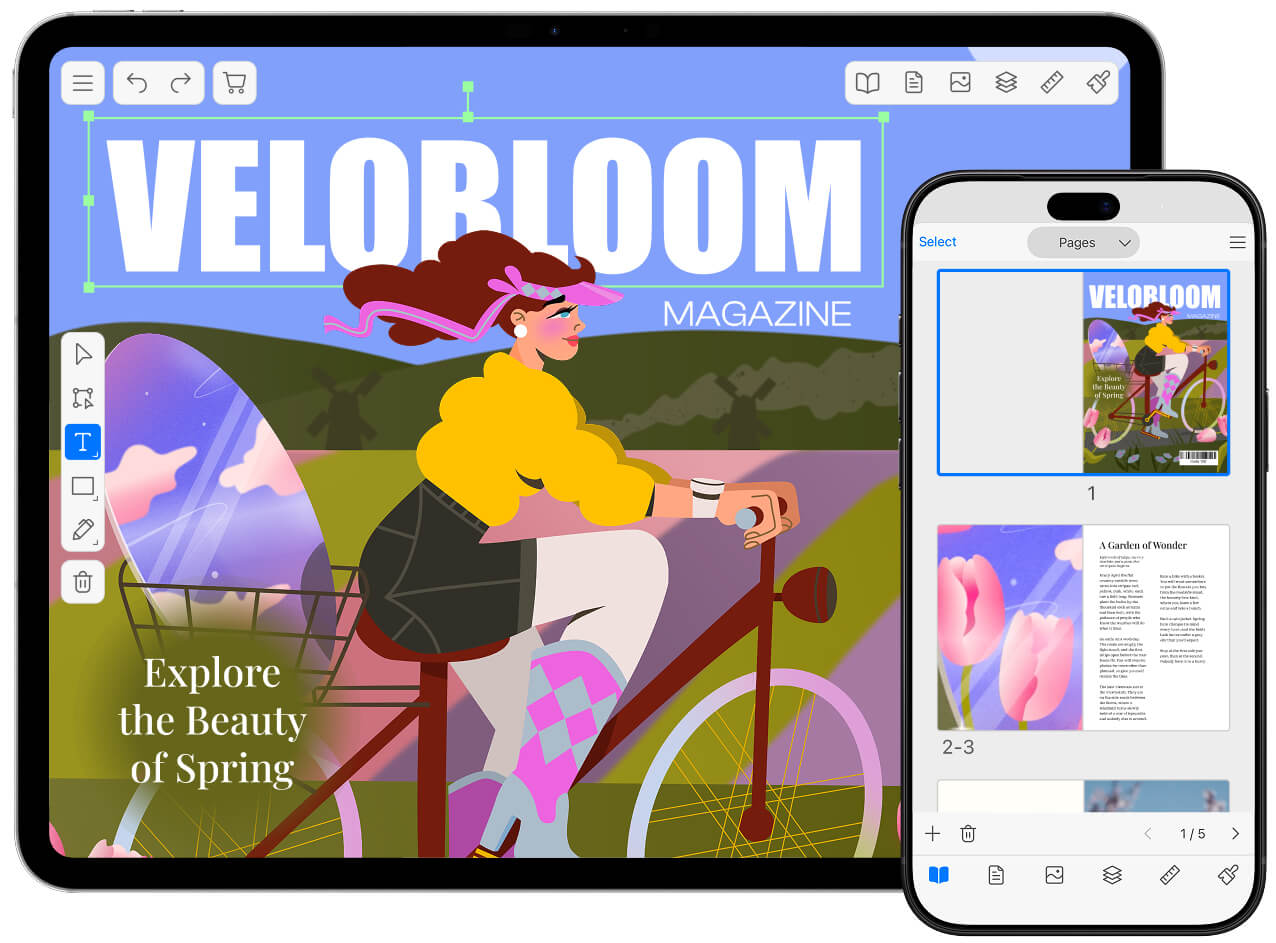


What’s inside
Full color control
RGB, CMYK, color profiles, and a touch-friendly color wheel.

Smart shapes &
built-in library
Vector shapes with editable behavior, plus a comprehensive library of design elements.

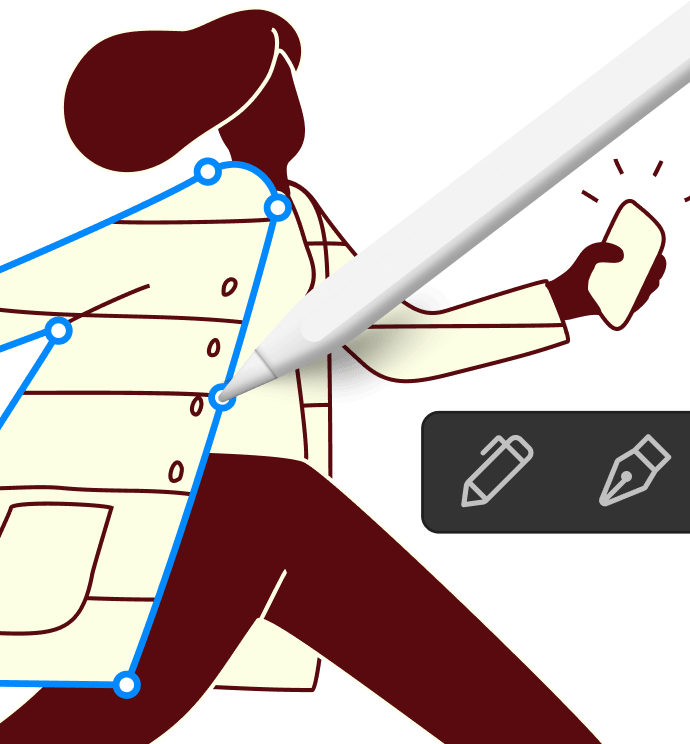
Apple pencil &
freeform drawing
Sketch naturally with the Draw tool, or create precise curves with the Pen tool.
Text on a path &
in shapes
Beyond straight text boxes.
Built-in stock photos
Free images from Pexels, Pixabay, and Unsplash, without leaving the app. Search by keyword, preview the results, and drop the photo straight into your layout.

Linked text boxes
Let text flow across text columns and pages. Link the boxes once, and the copy moves on to the next one automatically as you write or edit.
Gallery of templates
All the document types you need on your iPad and iPhone.
More to explore
-

Master pages
Set up repeating headers, footers, and backgrounds once, apply everywhere.
-

Guides & layout grid
Provides precise, automatic alignment as you design.
-

Unlimited layers
Build complex designs without the mess, with full opacity and blend-mode control.
-

QR codes
Generate scannable codes for links, contacts, and more, to place them right in your layout.
-

iCloud & Continuity
Start on one device, finish on another. Everything stays in sync.
-

Open your Mac documents
Continue working on your existing Swift Publisher documents on iPad or iPhone—no conversion, no lost formatting.
Frequently asked questions
Is Swift Publisher for iPhone and iPad the same app as Swift Publisher for Mac?
No. Swift Publisher for iPhone and iPad is a newly built app with its own interface, designed specifically for touch and Apple Pencil. It shares the Swift Publisher name and purpose but not its codebase or interface with the Mac version.
Can I open my Mac Swift Publisher documents on iPhone or iPad?
Yes. Swift Publisher for iPhone and iPad can open documents created in Swift Publisher for Mac. At this time, documents edited on iPhone or iPad cannot be opened back in the Mac version.
Do I need to buy Swift Publisher again if I already own it on Mac?
Yes, currently the Mac and iOS versions are purchased separately, since they’re distributed through different stores under different pricing models. Get your loyalty discount
Is Swift Publisher for iPhone and iPad free?
Yes, it’s free to download and use for all the designs. A lifetime in-app purchase or a subscription unlocks the Export and Printing features.
Does Swift Publisher for iPhone and iPad work with Apple Pencil?
Yes, it’s built with full support for Apple Pencil for precise drawing and editing.
System requirements
iPadOS or iOS 17 and higher.
Return policy
Returns of the App Store version are processed according to App Store Policy.
Latest news
News and Updates