
The Library
Using Image Stocks
The app can import images from online image stocks directly into your document. The Internet connection is required for that. The following stocks are supported: Pexels, Pixabay and Unsplash.
The Libraries panel is used to access the image stocks. To bring up the panel, tap its icon in the main window. Then choose a particular image stock at the top of the panel. By default, the panel displays the built-in image collection.
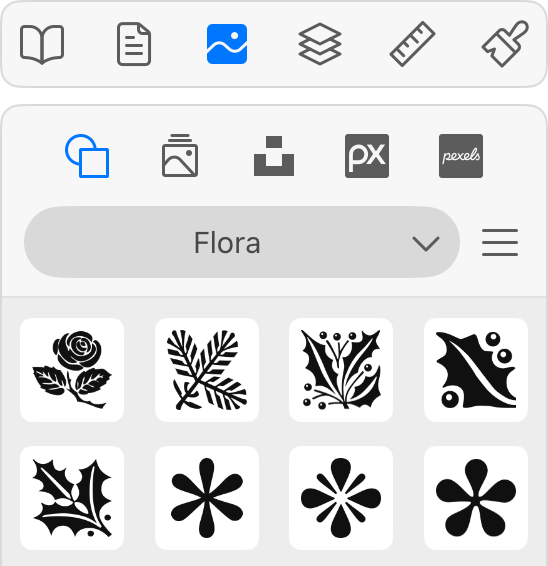
Type in keywords into the Search box and press Return to find images. The panel's menu button lets you filter images by the orientation (e.g., portrait or landscape).
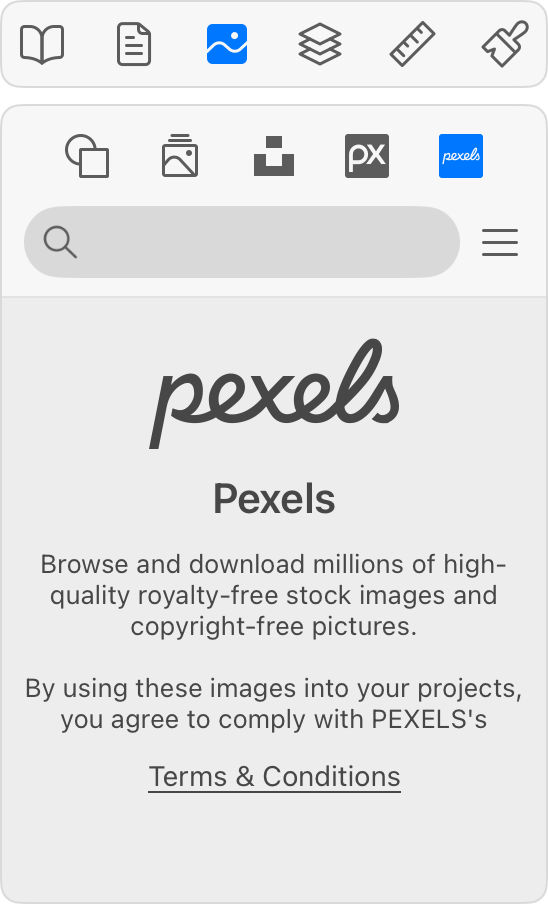
The panel displays previews of images. To add one to your design, drag and drop it. That can also be done by tapping a preview.
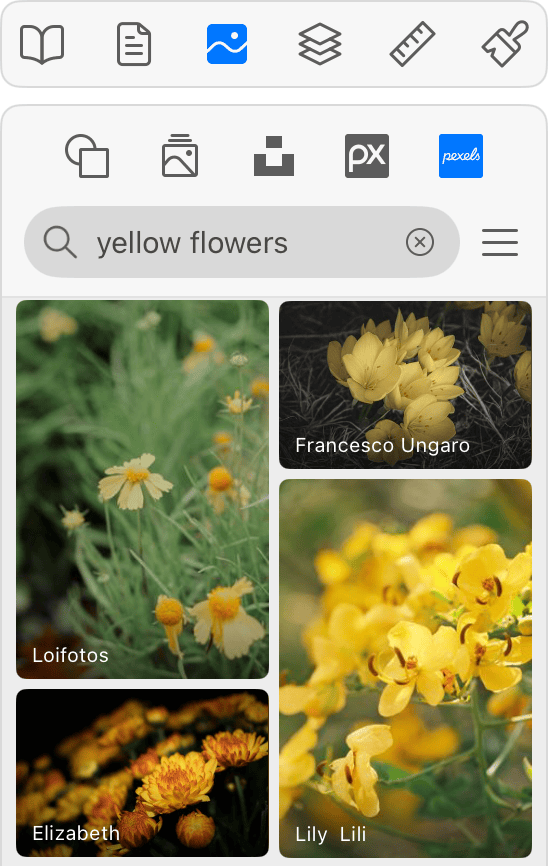
Each image has its author's name at the bottom. You can tap it to open that particular author's page in your browser.