
Changing Object's Shape
Transforming Objects
Resize Objects
Resize Using the Bounding Box
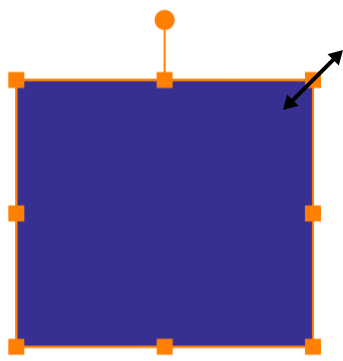
To resize an object, drag a corner or side handle on the object's bounding box using the Move tool  . To preserve the aspect ratio, do that by holding another finger on the screen. Or activate the corresponding mode
 in the Action bar.
Resize Objects to a Particular Size
If you know the new size of the object, you can input it into the width and height fields of the Geometry panel.
Shear Objects
In order to shear an object, use the Geometry panel.
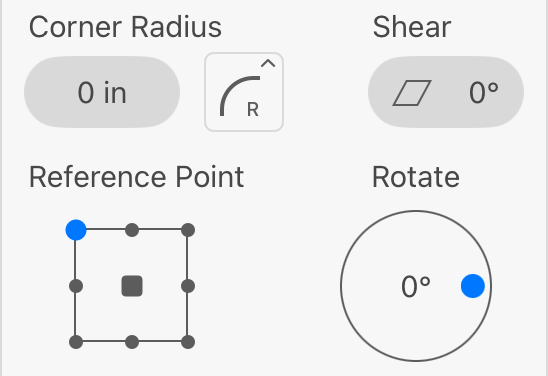
To shear an object, set the amount of transformation using the Shear field. The icon of the tool shows the corresponding transformation pattern.