
Creating Effects
The Blur Effect
You can add a Blur effect in order to soften an object's edges.
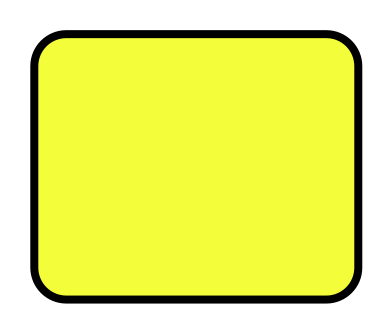
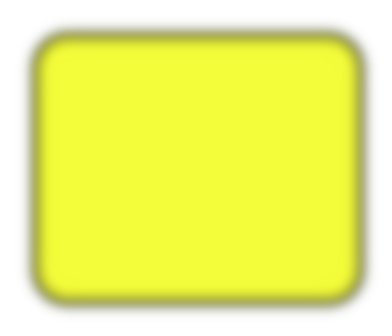
The Appearance panel is used to add and adjust the effects.
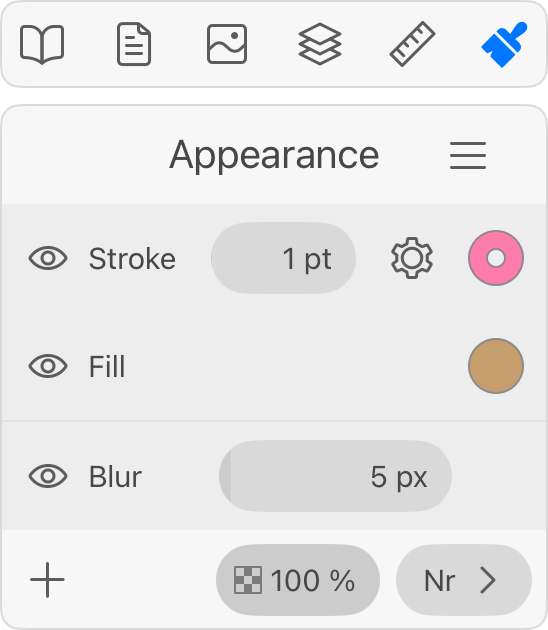
In order to add a blur effect, tap the plus button in the Appearance panel. Select Blur. Then adjust the blur width.
To delete a Blur effect, slide over it in the Appearance panel to the left. Then tap the trash bin icon.
The Blur effect creates raster graphics. If you plan to export a high-resolution image, or, if the exported image might be enlarged in other software, make sure that your export settings are sufficient for that.