
Working with Documents
The Template Gallery
The Template Gallery is used to create new documents from pre-designed templates. The gallery opens up automatically when you run the app for the first time.
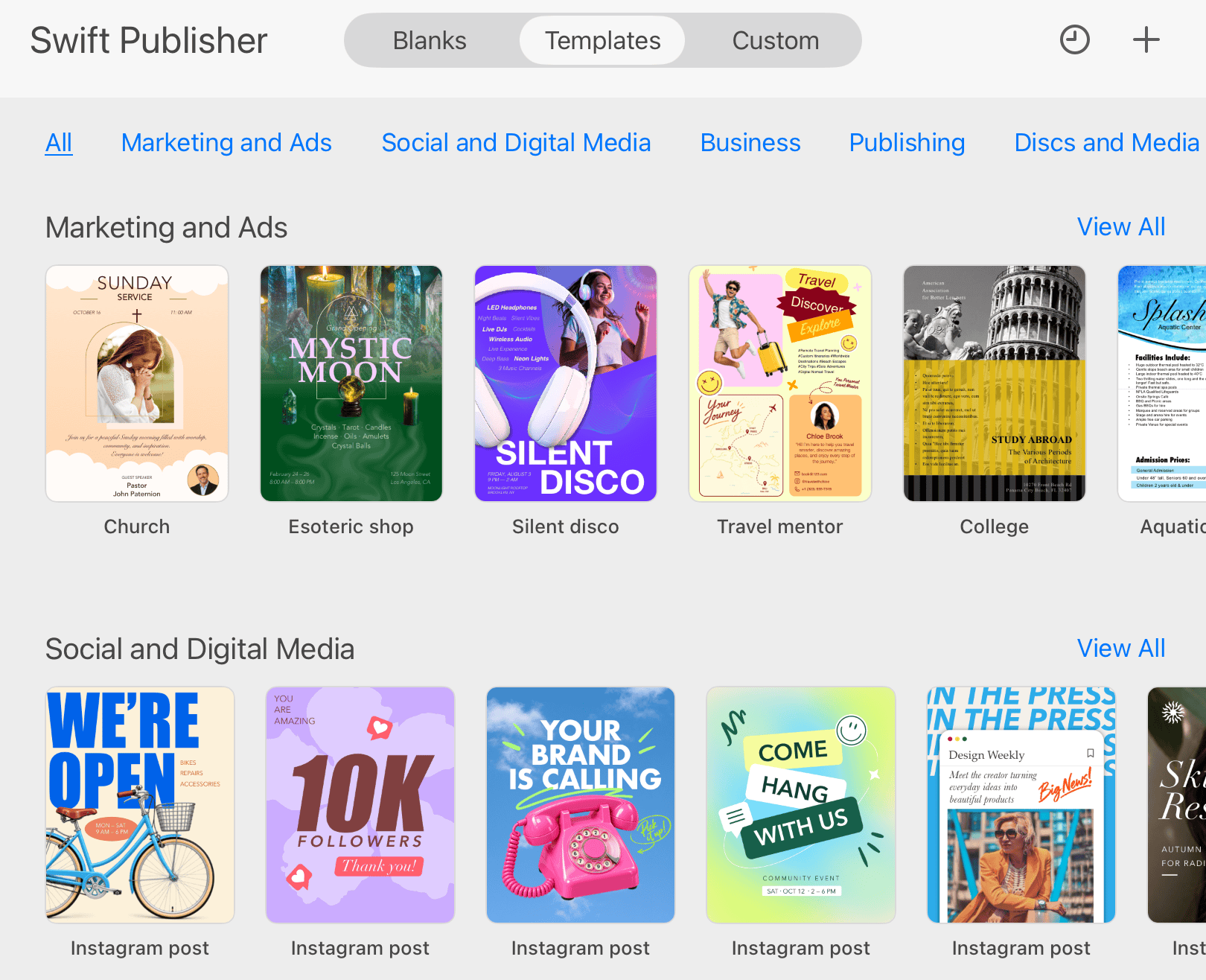
The Template Gallery comprises three main sections: Blanks, Templates and Custom.
In Blanks, you can find blank layouts for different kinds of documents. Another way to create an empty document is to use the New Document dialog. In order to open this dialog, tap the  button.
The Templates section contains pre-designed templates. The templates are grouped into multiple categories.
The Custom section is designed to store user's templates. See the Custom Document Templates for more details.
To access the Template Gallery from the main window of the app, tap the menu button  . Then tap the Template Gallery menu item.
The  button opens the standard file browser with the list of recent documents. If necessary, you can use this button to navigate to different folders on your device or iCloud Drive.