
Color, Gradient and Image Fill
Fill an Object with a Color, Gradient or Image
An object can be filled with a plain color, gradient or image. The Appearance panel is used to choose those options and adjust their properties.
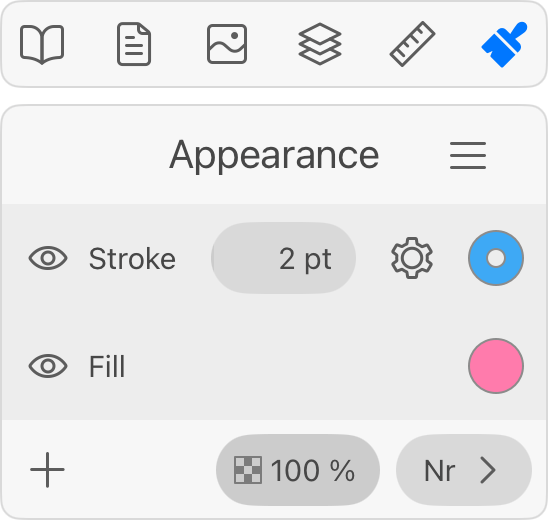
To add a Fill property to an object, tap the plus icon and choose Fill.
Fill properties are listed in the Appearance panel. The column of eye icons on the left lets you hide any Fill or other property. The color icon in the right column opens the Color panel.
In order to choose a color, set up a gradient or select an image, tap on the color icon. The Color panel will open up. Choose the Color, Gradient or Image section.
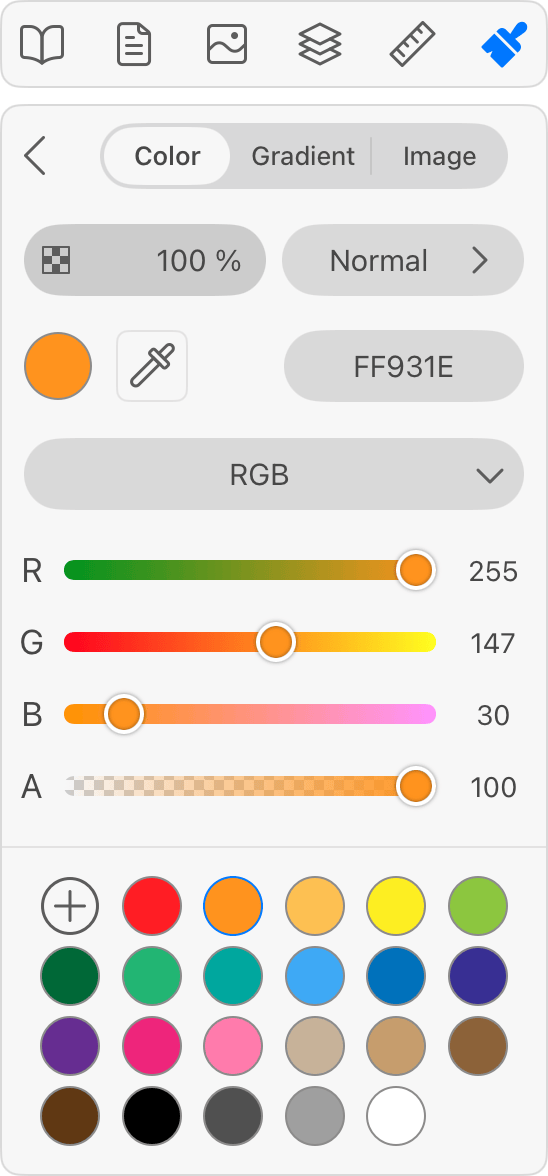
These sections explain how to select a color or work with gradients or images: