Choosing Between Swift Publisher and Scribus for Your Next Project
Whether you are designing a neighborhood newsletter, a professional magazine, or just a fancy set of business cards, the software you choose is the engine of your creativity.
The Great Desktop Publishing Divide
Desktop publishing has changed a lot in 2026. We’ve seen the rise of web-based tools, but for high-quality print and precise layouts, desktop software still wears the crown. Swift Publisher and Scribus represent two completely different philosophies. First is about speed and aesthetics; second is about control and community.
Swift Publisher
If you use a Mac, Swift Publisher feels like home. The program is designed specifically for macOS, meaning it adopts all the design language and snappiness you expect from an Apple-centric app.
Interface and Ease of Use
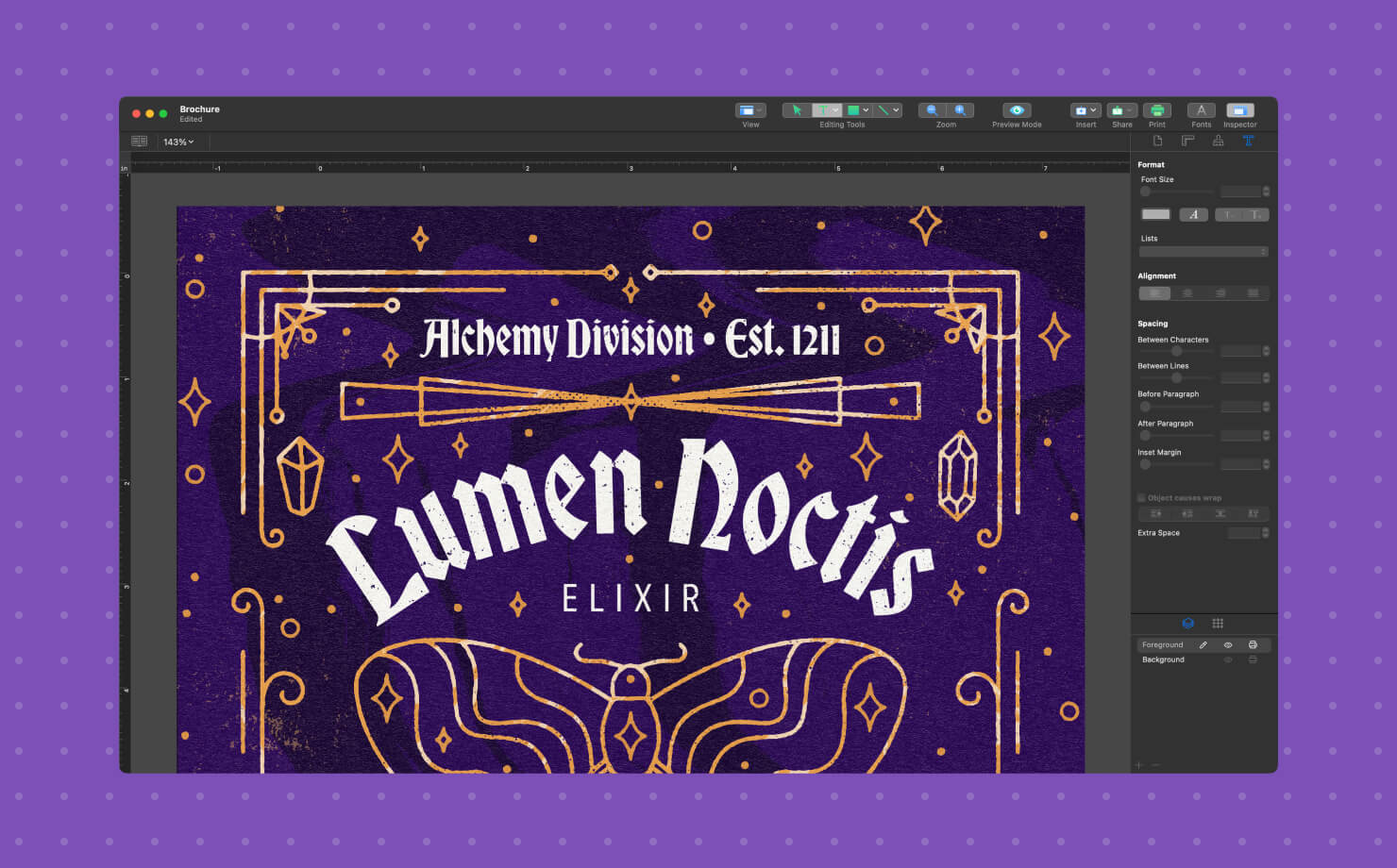
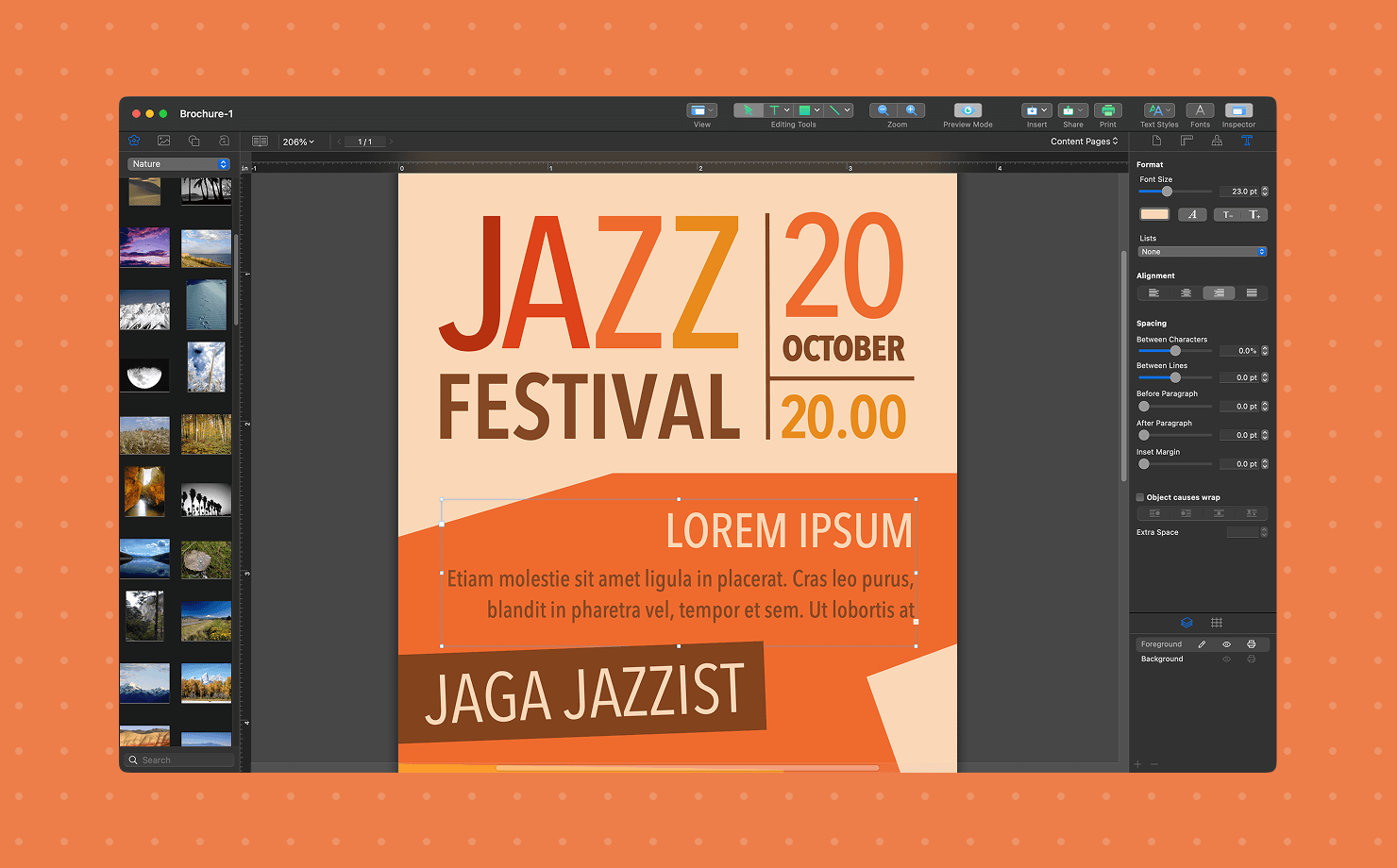
Have you ever opened an app and felt like you already knew how to use it? That’s the Swift Publisher experience. It uses a clean, inspector-based interface that keeps your workspace tidy. You won't find yourself hunting through thirty nested menus just to change a font size.
The drag-and-drop mechanics are buttery smooth. If you want to wrap text around an image, you click a button. If you want to add a 3D heading, it’s a preset. It’s desktop publishing for the rest of us.
Templates & Apple Integration
Let’s be honest, staring at a blank white page is terrifying. Swift Publisher solves this by offering over 500 professional templates, allowing you to start with a great-looking layout for brochures, multi-page booklets, or even disc labels. Beyond the templates, its seamless integration with Photos and Contacts app is a true game-changer. This native compatibility acts as a massive time-saver for anyone creating personalized greeting cards or direct mailers—a level of convenience that Scribus simply cannot match.
Scribus
Now, let’s talk about the granddaddy of free DTP. Scribus is a legend in the open-source community. It’s cross-platform (Windows, Mac, Linux) and completely free. But free often comes with a different kind of cost–your time.
Professional Grade Features
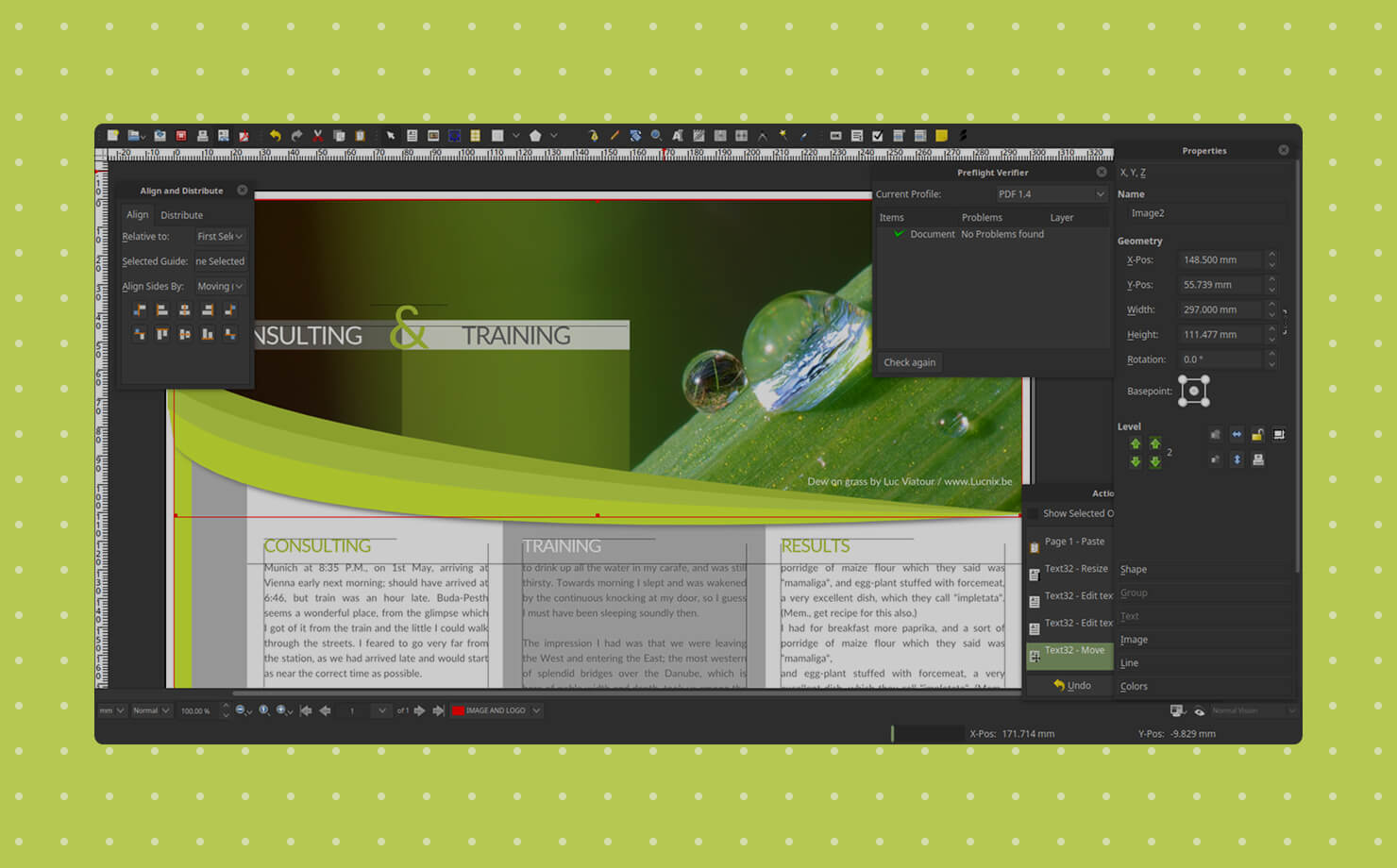
While Swift Publisher is great for home and small business use, Scribus is actually a pre-press powerhouse. It supports CMYK color, spot colors, and ICC color management right out of the box.
Why does this matter? If you are sending a file to a high-end commercial printer, they need those CMYK profiles to ensure the blue on your screen doesn't turn out purple on the paper. Scribus handles these technical requirements with the same level of precision as Adobe InDesign.
The Learning Curve: Climbing the Mountain
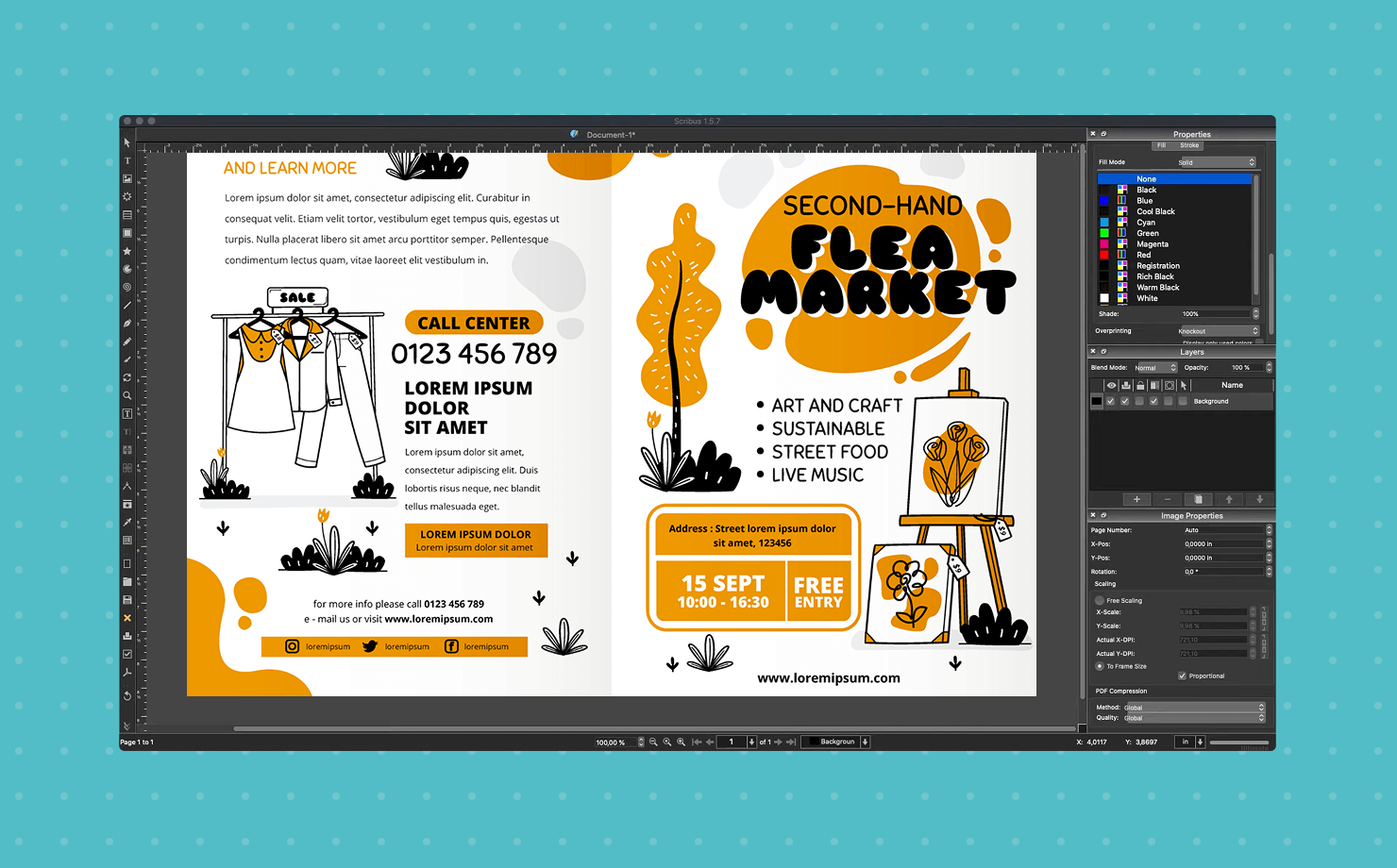
If Swift Publisher is a click-and-go experience, Scribus is a search-the-forum experience. The interface—even in the updated 1.6+ versions—feels a bit like it’s stuck in the early 2010s. It uses a frame-based system, which is powerful but can be unintuitive for beginners. You don't just type—you create a text frame, link it to another frame, and then manage the flow. It’s brilliant for 200-page books, but it’s overkill for a birthday flyer.
Comparing Features Side by Side
Let’s look at the nuts and bolts. How do they actually stack up when you're in the middle of a design session?
| Feature | Swift Publisher | Scribus |
|---|---|---|
| Price | ~$19.99 (one-time purchase) | Free |
| Platform | Mac only | Windows, Mac, Linux |
| Ease of Use | High | Moderate to Low |
| Templates | 500+ high quality | Very few |
| Color Support | Basic RGB / Limited CMYK | Full CMYK / Spot / ICC |
| Typography | Great presets & 2D/3D headings | Professional |
| Updates | Regular | Periodic |
Typography and Fine-Tuning
Swift Publisher excels at making text look pretty with minimal effort. Its 2D and 3D text effect presets are fantastic for flyers. Moreover, you can take your typography even further with Art Text integration. However, if you are a type geek who needs to adjust the kerning, tracking, and ligatures of every single paragraph in a 50-page document, Scribus gives you more granular control.
Color Management and CMYK Support
This is the deal-breaker for many. Swift Publisher is mostly designed for office and home printing. While it can export high-quality PDFs, it doesn't have the deep prepress tools that Scribus offers. If your project is headed to a professional offset printing press, Scribus is the safer, more professional bet.
System Requirements and Compatibility
Swift Publisher is a Mac-only affair.It runs natively on the latest M-series chips and is fully optimized for latest macOS. It's lightweight and rarely crashes.
Scribus, being cross-platform, is great if you work in a mixed environment. Maybe you design on a Mac but your business partner uses Windows. With Scribus, you can share the same file format across both. However, be warned: the Mac version of Scribus has historically been a bit more buggy than its Windows counterpart, often requiring a bit of tinkering to get it running perfectly on Apple Silicon.
The Price of Free vs. The Cost of Convenience
Is $20 worth it? In the world of software, $20 is practically a lunch date. For the price of a few coffees, Swift Publisher gives you a streamlined workflow, thousands of clip-art images, and a massive template library.
Scribus is free, which is unbeatable if you’re a student or a non-profit. But you have to ask yourself: How much is my hour worth? If you spend five hours trying to figure out how to flow text around a circle in Scribus, but could do it in five seconds in Swift Publisher, the free software just costs you a lot of time.
Who Is Swift Publisher Best For?
- Small business owners who need to create brochures and menus or business cards without having a design degree.
- Home users interested in making custom calendars and flyers for school events or even family newsletters.
- Mac enthusiasts who are looking for an app that truly looks and feels like it belongs on their computer.
Who Is Scribus Best For?
- Self-publishing authors who are laying out a 300-page novel or a technical manual where long-document tools are essential.
- Open-source purists who want to avoid proprietary formats and show their support for community-driven software.
- Professionals on a budget who need high-end CMYK and prepress controls but want to skip the Adobe subscription.
- Linux power users because it is easily the most capable desktop publishing tool currently available for the Linux desktop.
Making the Final Choice
Choosing between Swift Publisher and Scribus isn't just about the price tag—it's about the destination.
Think of it like this: Swift Publisher is like a high-end, pre-fabricated home. It's beautiful, it's ready to move into, and everything works perfectly right out of the box. Scribus is like a massive pile of high-quality bricks and lumber. It’s free to take, and you can build a skyscraper with it if you have the skill, but you’re going to have to swing the hammer yourself.
Ultimately, both tools are incredible alternatives to the subscription-heavy industry standards. Whether you go for the sleek Mac experience or the open-source powerhouse, you’re taking a step toward creative independence.
Frequently Asked Questions (FAQs)
Can I open Scribus files in Swift Publisher (or vice-versa)?
No. Both programs use proprietary file formats. However, you can export your work as a high-resolution PDF from either program and import that PDF into the other as a static image.
Does Scribus support Apple Silicon chips?
Yes, but often through Rosetta 2 or experimental builds. While the stable version (1.6+) is much better than previous iterations, Swift Publisher is natively built for Apple chips, making it significantly faster on modern Macs.
Is Swift Publisher a one-time purchase?
Yes! There are no monthly subscriptions.
Can I use Scribus for professional book publishing on Amazon KDP?
Absolutely. Many self-published authors use Scribus because it allows for precise gutter margins and CMYK PDF exports, which are essential for physical book printing.
Does Swift Publisher work on Windows?
No. Swift Publisher is strictly a macOS application.