
Exporting and Printing
Printing
You can print your design directly from the app. The app uses AirPrint for printing. As an alternative, you can export your document as a graphic file and then print it using any other device of software.
To print a document:
- Select the main menu
 > Share > Print to open the Print panel. This panel has different settings depending on the type of your document.
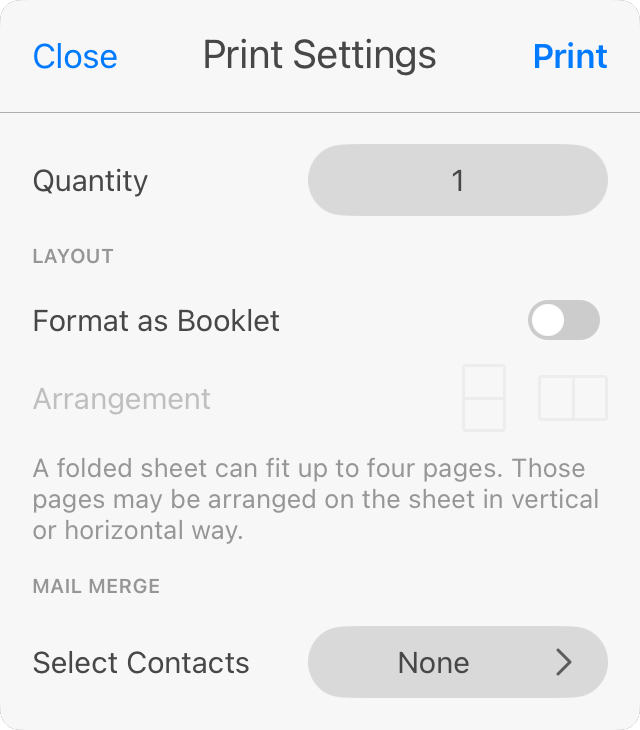
- Set up the printing settings. Their purpose is described in the Printing Settings section. Often, to print on plain paper, you should keep the default settings with Quantity set to 1 and Format as booklet turned off.
- Tap the Print button to proceed to the system Print dialog.
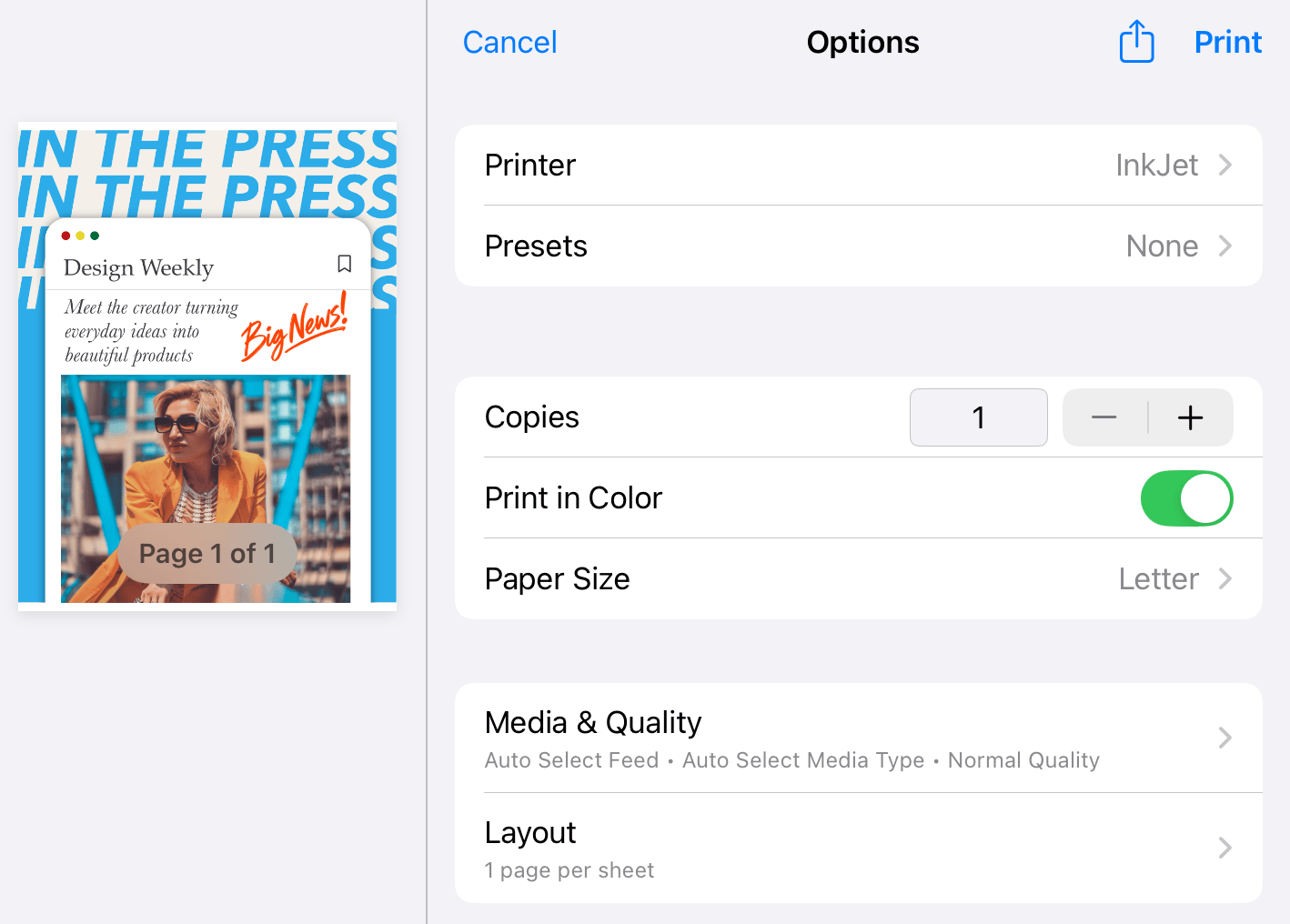
- Select a printer.
- Set the number of copies.
- Make sure that the proper paper format is selected.
- Tap the Print button to start printing.